
Why Do I Need Both Captions and Transcripts for Accessibility?
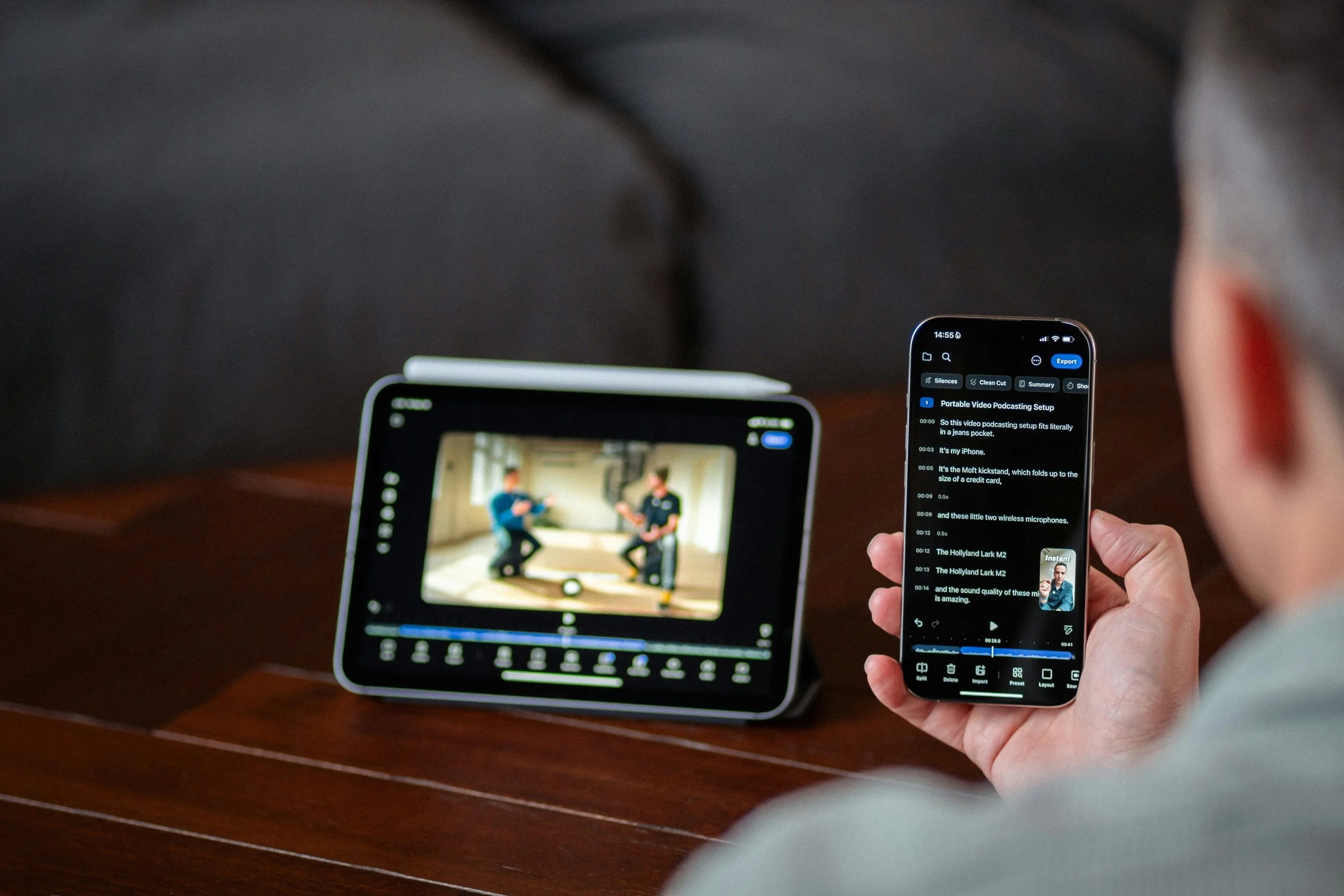
A viewer watches a video on their tablet and transcript on their phone.
A Common Question
A common question that I get in my public health accessibility work is, “Why do we need to provide transcripts if we already provide captions?”
Let’s Start with Some Definitions
Captions and transcripts serve related purposes, but are not the same thing. The definitions below are provided by the World Wide Web Consortium (W3C) Web Accessibility Initiative (WAI), which is a great resource!
Captions: Captions (called “subtitles” in some areas) provide content to people who are Deaf and hard-of-hearing. Captions are a text version of the speech and non-speech audio information needed to understand the content.
Captions are synchronized with the audio and are usually shown in a media player when users turn them on.
Transcripts: Basic transcripts are a text version of the speech and non-speech audio information needed to understand the content. Descriptive transcripts also include text description of the visual information needed to understand the content. Descriptive transcripts are required to provide video content to people who are both Deaf and blind.
Transcript files are found in different formats, including HyperText Markup Language (HTML), Portable Document Format (PDF), Microsoft Word and GoogleDocs.
Who Says I Need Captions and Transcripts?
The Web Content Accessibility Guidelines (WCAG) version 2.1 Level AA, is the current Americans with Disabilities Act (ADA) technical standard for digital accessibility. So, they are a great place to start to explore captions and transcript best practices.
A reminder for public health professionals in public colleges and universities, local and state health departments, WCAG compliance deadlines are coming up in 2027 and 2028.
Here are a few examples of how captions and transcripts relate to WCAG:
WCAG Principle 1, Perceivable:
Your web (or digital) content must be made available to multiple senses: sight, hearing, and/or touch.
WCAG Guideline 1.1, Text Alternatives:
You must provide text alternatives for any non-text content. In other words, the content in your image, audio, and video files need text-based descriptions.
WCAG Guidelines 1.2, Time-Based Media:
You must provide alternatives for time-based media. That includes media that is: audio-only; video-only; audio-video; audio and/or video combined with interaction.
Do I Always Need Captions and Transcripts?
A few things to consider for your caption and transcript decision-making process:
Is your audio/visual media live or prerecorded? WCAG requirements can vary for different media formats.
What level of WCAG compliance are you trying to achieve? Level A, AA, or AAA have different success criteria regarding captions and transcripts.
Does your specific community or learning audience have access needs that should affect your decision? For example, sign language interpretation for prerecorded audio is a Level AAA success criterion, however, if you are working with the Deaf or Hard of Hearing communities, this can be essential for access.
Finally, but perhaps most important: WCAG compliance does not equal optimal accessibility! Compliance is the foundation, but often not enough. For example, although not required for Level AA compliance, Web Accessibility in Mind (WebAIM) strongly recommends transcripts for all multimedia.
I’d love to hear from you!
Are captions and transcripts part of your workflow when developing audio and visual public health content?
If yes, what are some tips and best practices that you recommend?
If no, what are some challenges you’ve encountered to adding captions and transcripts to your content?
Post Author: Leah A. Roman, MPH, MCHES, CPACC
Last Page Edit: July 29, 2026